


How to Connect a PC to a TV
HDMI makes connecting a PC to a TV simple — one cable carries both picture and sound. Here's how to do it, get audio working, and avoid the common overscan and resolution snags.
- Pick the connection. HDMI is simplest because it carries video and audio on one cable. If your PC has only DisplayPort, use a DisplayPort-to-HDMI cable or adapter (passive is fine from a DP++ source).
- Use a cable rated for your resolution. For 4K at 60 Hz with HDR use a Premium High Speed HDMI cable; for 4K at 120 Hz use an Ultra High Speed cable.
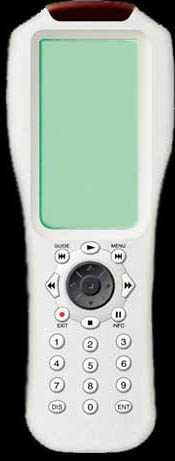
- Connect and select the TV input. Plug in the cable, then use the TV remote's source/input button to select that HDMI input.
- Set the display and resolution. On the PC, set the TV as the display (extend or duplicate) and choose its native resolution. Enable the TV input's enhanced mode (often HDMI Ultra HD Deep Color or Enhanced) for 4K60/120.
- Route the audio and fix overscan. Set the TV/HDMI as the default sound output. If the desktop edges are cut off, set the TV's picture size to Just Scan, Screen Fit, or 1:1.
Related: HDMI cable types (which cable for 4K), the bandwidth calculator, and Troubleshooting if you hit no signal or no sound.
Connecting a PC to a TV: frequently asked questions
How do I get sound through my TV from my PC?
HDMI carries audio and video together, so set the TV (or its HDMI input) as the default playback device in your sound settings. If you used a DVI-to-HDMI connection, remember DVI carries no audio — add a separate audio cable.
Why is my PC desktop cut off at the edges on the TV?
That is overscan — the TV zooms slightly past the image edges. Fix it in the TV's picture settings by choosing Just Scan, Screen Fit, 1:1, or Full Pixel, and/or adjust scaling in your GPU control panel.
What cable do I need for 4K at 60 Hz on my TV?
A Premium High Speed HDMI cable (18 Gbps) for 4K at 60 Hz with HDR, or Ultra High Speed (48 Gbps) for 4K at 120 Hz. Also enable the TV input's enhanced mode (often "HDMI Ultra HD Deep Color" or "Enhanced").
Last updated: